See how many clicks a document has as a recipient
Updated 2024-08-29
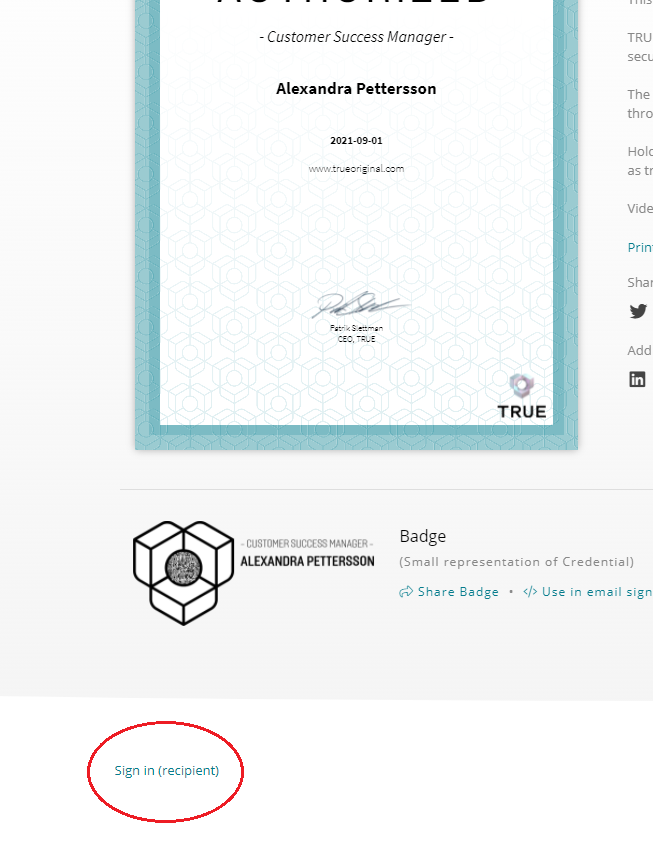
Recipients can easily log in and see how many, and from where, clicks their specific document received by following the steps:
1. At the bottom of the page below the document (on the landing page) and select "sign in (recipient)":
2. Enter your e-mail to receive a verification code: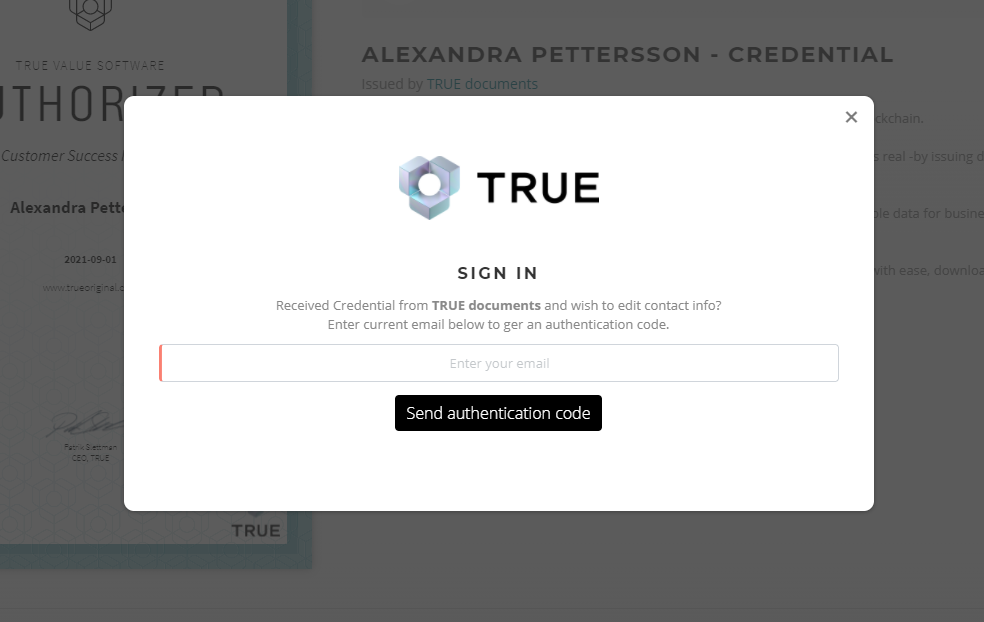
3. Open your email with the verification code from [email protected]: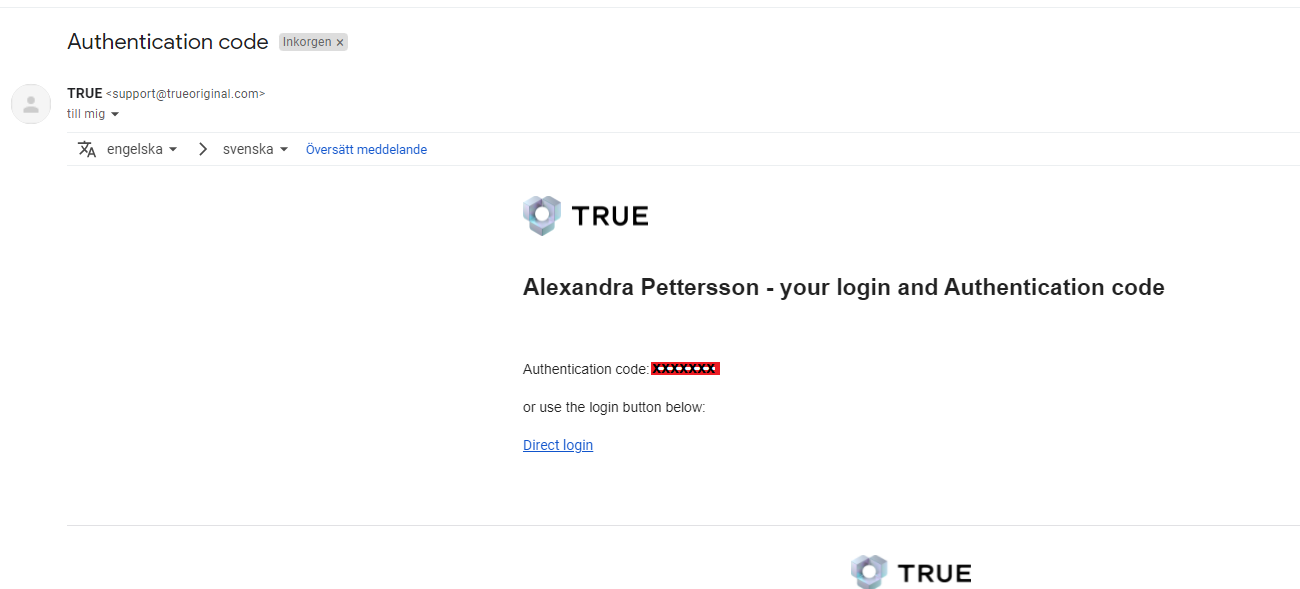
4. Copy and paste the code: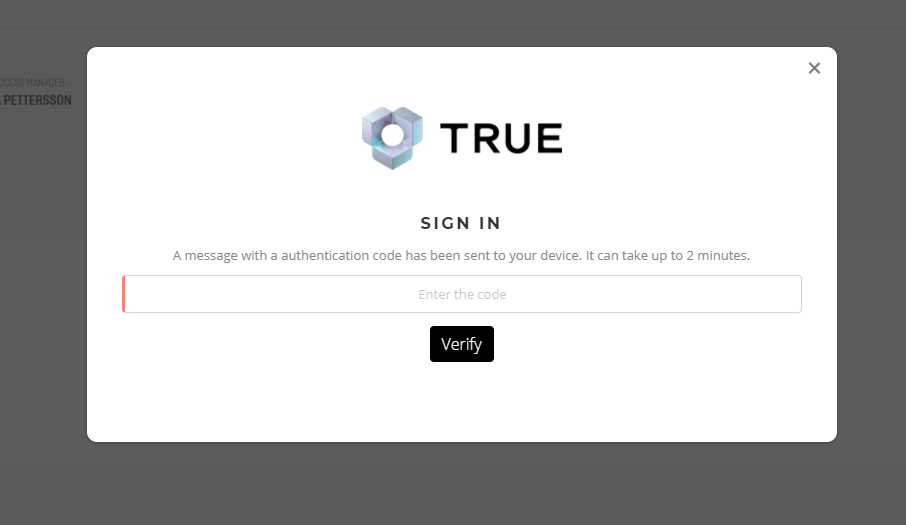
At the top of the page it will now show how many views that document has received, and where they come from: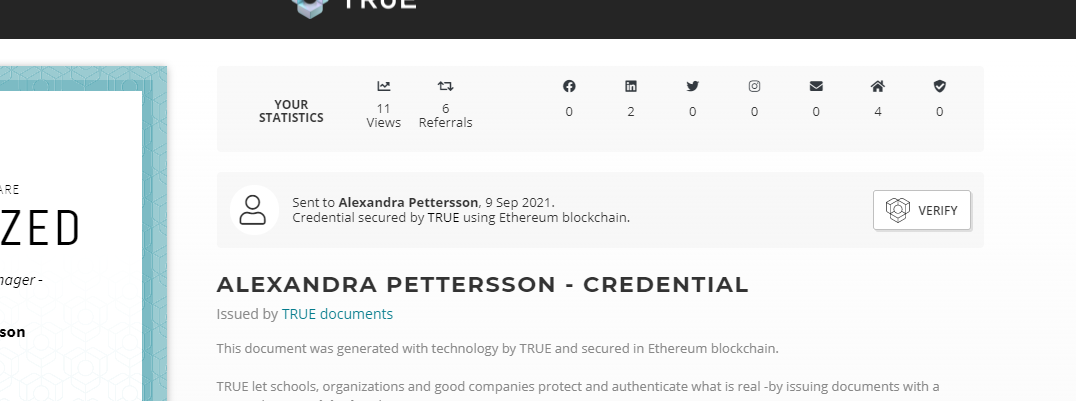
Still need help?
Our support team answers questions this article does not.
Contact support