How do I add my document to my LinkedIn profile?
Updated 2024-08-29
By clicking on the icon under 'Add to', you can easily share your document on your LinkedIn profile.
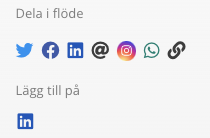
After you log in to LinkedIn, you see this;
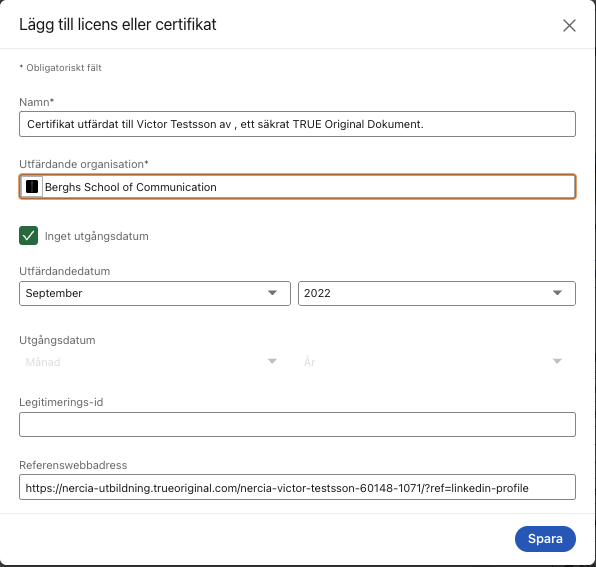
Name - Here is a pre-set text for your document.
Issuing Organization - Here is the organization that issued your document. ATTENTION! If the publisher's logo is not visible, click on the field and then on the publishers name in the drop-down list.
Credential ID - You do not need to fill in anything here.
Credential URL - Here is the link for your document.
Want to dig deeper?
Articles on the topic from the TRUE blog.
Still need help?
Our support team answers questions this article does not.
Contact support